Start a deal you agreed somewhere else
New
Agreed a sale on Discord or X? Send a deal link, and you both sign, pay and get the papers here.
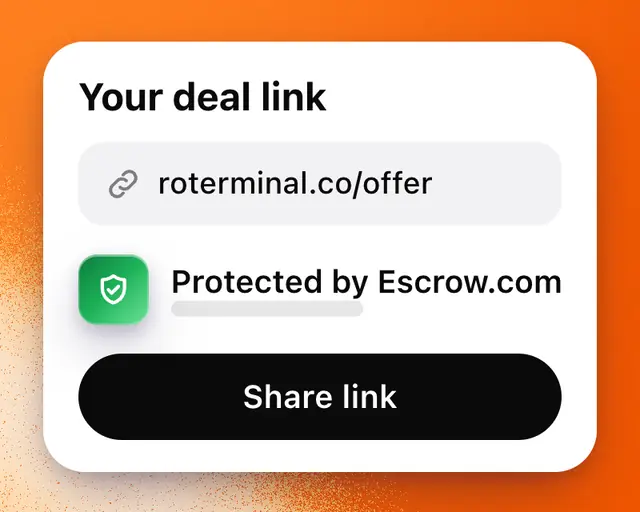
If you’ve already agreed a sale with someone, Start a deal turns it into a RoTerminal deal, with the signed agreement, the payment held by Escrow.com and the papers. The other side doesn’t need to be on RoTerminal yet.
Make the deal
- In Marketplace, tap Your deals, then Start a deal.
- Tap I’m selling or I’m buying.
- Pick your game. Buying, paste the game’s Roblox link or type its name.
- Type the price you agreed, and anything else you agreed.
- Tap Next.
- Pick Send them a link, or Someone on RoTerminal and type their @handle.
- Tap Review and check the money.
- Tap Create deal link. For someone on RoTerminal, the button says Send to and their name, and the offer goes straight to their Messages.
- Tap Share link, or copy the link and send it on Discord, X or in a text.
What they see
The link opens the deal: the game, the price, and what they’d pay or receive. They tap Sign in to accept (joining is free), then Review and accept, then Accept offer. From there it’s an ordinary deal: you both sign, then the buyer pays. See How a deal works.
When you’re the buyer, the seller must add the game to My Games before they can accept, and Roblox must show it as theirs.
Your deal links
Links still waiting show under Deal links in Your deals. Open one to copy or share it again, or tap Take it back to stop it working.
A link for someone by handle works only for them. Any other link goes to whoever accepts it first.
Who can start one
Starting a deal is on every plan. Starting one as the seller never counts toward a limit, and neither does accepting one. Starting one as the buyer counts as contacting the seller: 3 sellers a month on Free, 15 on Plus, and unlimited on Pro and Studio. On Free and Plus, Review shows how many you have left, such as 2 of 3 sellers left this month. See How limits work.