How a deal works
New
From an accepted offer to the game in the buyer’s group: signing, paying, moving the game and the papers.
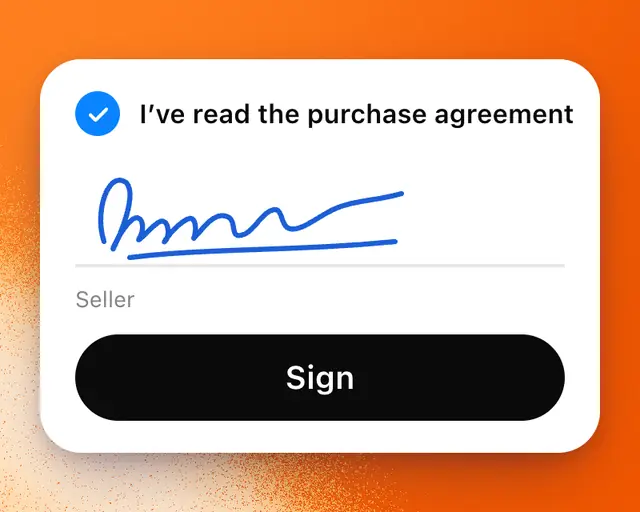
Every deal on Marketplace follows the same steps. You both sign a purchase agreement, and Escrow.com, a licensed escrow company, holds the buyer’s money until the game is in the buyer’s Roblox group.
The steps
| Step | What happens |
|---|---|
| Offer | The seller accepts an offer. Accepting shows the money line by line first. |
| Agree | You both sign the purchase agreement in the app. |
| Pay | The buyer wires the money to Escrow.com, which holds it. |
| Move the game | The seller starts Roblox’s ownership transfer, and the buyer accepts it into their group. |
| Done | The buyer approves, and Escrow.com pays the seller. |
The deal’s page
Every deal has its own page. Open it from Your deals, or tap View deal in your conversation. It shows the money that matters to you, your next step, each stage with its date, the fees line by line, the documents and who signed.
When it’s your turn, Your next step has one button:
| Button | What you do |
|---|---|
| Review and sign | Read the agreement, add your full legal name and country, select the boxes and tap Sign. |
| Pay | The buyer agrees to the sale on Escrow.com, sends the wire with the amount and reference shown, then taps I’ve sent the wire. |
| Start the transfer | The seller starts Roblox’s ownership transfer to the buyer’s group. RoTerminal sees the transfer on Roblox and marks this step done. |
| Accept on Roblox | The buyer accepts the game into their group on Roblox before the request expires. |
| Approve | The buyer checks everything is there, and the seller is paid. If they don’t, it approves itself on the date shown. |
If something is missing after the move, the buyer taps Something’s wrong instead. The seller isn’t paid until it’s sorted.
Important: Sellers, add your bank account to the sale on Escrow.com, so it can pay you.
Fees
The seller pays RoTerminal’s fee when the game sells. Escrow.com’s fee is split half and half. The money section of the deal’s page shows exactly what you pay or receive.
When it closes
The game moves into the buyer’s My Games with its history, and the seller’s copy moves to Sold. You each get the papers by email, and they stay on the deal’s page and in Your deal documents. Then you choose whether the sale shows on your profile: see Show the games you sold or bought on your profile.