Your deal documents
New
Every agreement, statement and invoice is in Settings → Documents, by year, ready to download.
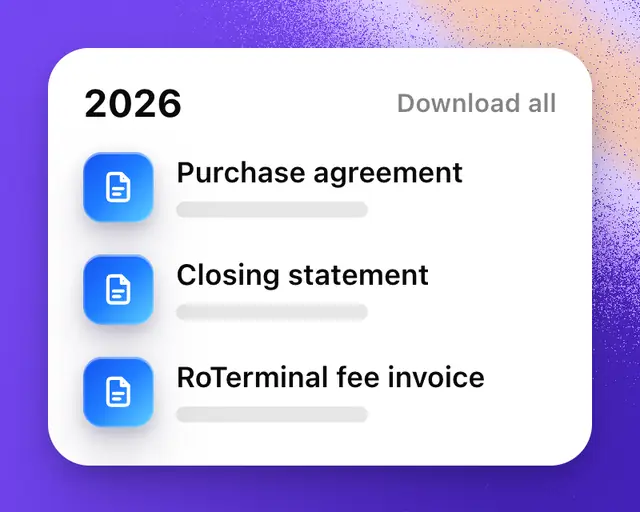
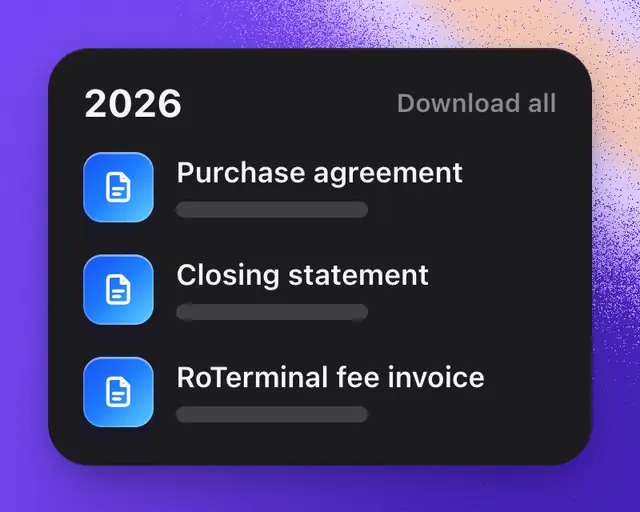
The papers from your deals, and your plan’s invoices, are kept in Settings → Documents, by year. Use them for your records and your taxes.
Open your documents
- Open Settings. See Settings for where it is.
- Tap Documents.
- Tap a document to open it.
Use the arrows at the bottom to turn its pages, and the buttons beside them to download the PDF or share it.
On a deal’s page, Documents lists that deal’s papers, and All documents opens this page.
What’s here
| Document | Number | When you get it |
|---|---|---|
| Purchase agreement | RTA | Once someone signs. You both get the signed PDF by email once you’ve both signed. |
| Wire instructions | RTW | The buyer, once Escrow.com gives the bank details for the payment. |
| Closing statement | RTC | Both of you, when the deal closes. |
| RoTerminal fee invoice | RTI | The seller, when the deal closes. |
| Plan invoice | Stripe’s own | Each payment for your plan. It opens Stripe’s page for that invoice. |
Each year starts with its totals: Sold, Bought, Fees, GST/HST and Plan, showing only the ones that apply.
Download a whole year
Tap Download all beside a year. All of that year’s PDFs are saved in one ZIP file.
Tip: Anyone you send a document to can check that it’s real. See Check that a RoTerminal document is real.