Sell a game
Pro
List a game you own for sale, with a price or open to offers, and manage its listing.
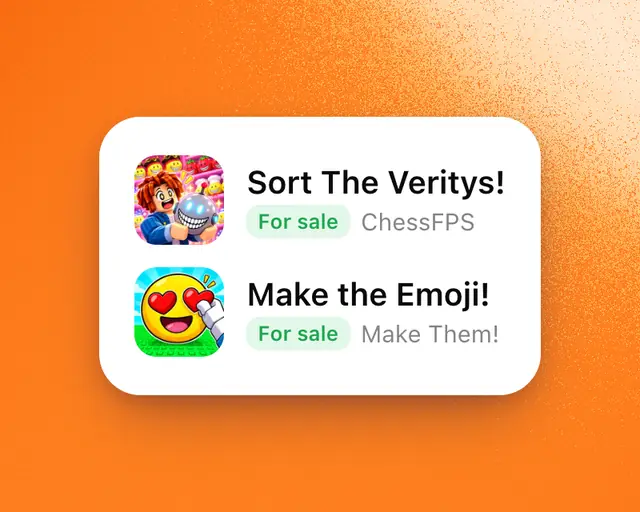
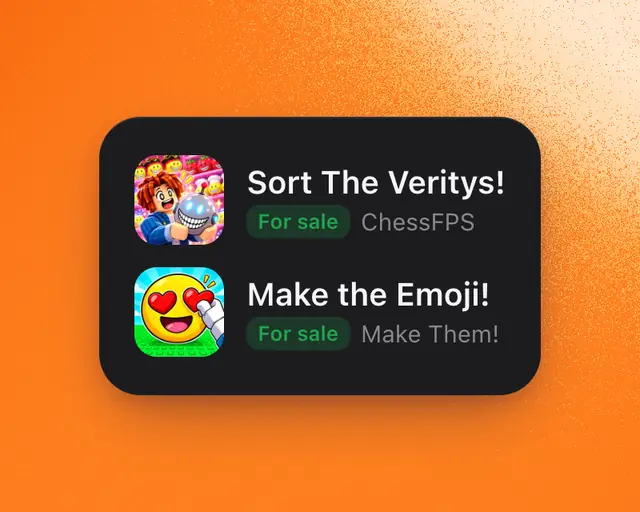
List a game you own, and buyers can find it on Marketplace and send you offers. You pay a fee only if it sells.
Before you start
The game must be in My Games, and Roblox must show it as yours outright: made by your Roblox account, or in a group you own. See Add games to My Games.
Its Roblox analytics must be connected too. Buyers judge a game by its real numbers, so every game for sale on RoTerminal is connected. If yours isn’t, Sell a game asks you to connect it first:
- Tap Connect, then Continue to Roblox.
- On Roblox’s screen, tick your game, then tap Allow.
- Back on RoTerminal, you carry on to its price.
See Connect your games from Roblox.
If a listed game’s analytics stop being connected, buyers can’t see the listing until you connect it again. Its For sale card says Hidden from buyers, with Connect.
List it
- In Marketplace, tap Sell a game. On a phone, it’s the round button that says Sell.
- Pick the game, if you have more than one.
- Type your price in US dollars. Leave it empty to be open to offers.
- Tap the line under the price to see each fee and what you get.
- Add a line about what makes the game worth buying.
- Tap Preview to see the card buyers will see.
- Tap Publish.
The game’s page opens. It’s now listed in Marketplace, and a green For sale label shows under its name everywhere on RoTerminal.
You can also start from the game’s page: tap Manage, then Sell it.
Fees
| Fee | Who pays it |
|---|---|
| RoTerminal fee | The seller, only when the game sells: 5% of the price, and 2.5% on any part above $1M. Studio members pay less. |
| Escrow.com fee | Split half and half between the seller and the buyer. |
Buyers pay RoTerminal nothing.
Manage your listing
On the game’s page, its For sale card shows your listing:
- Mark as sold when it has sold.
- Mark as pending while someone is buying it.
- Edit to change the price or its line.
- Stop selling to take it off Marketplace.
A deal made here marks the listing Pending and then Sold by itself. Use the buttons for a sale that happened somewhere else.
Offers come to your Messages, where you can Accept, Counter or Decline. Your deals → Selling counts your offers to answer and new buyers.
Tip: Already agreed a price with a buyer? Tap Already agreed with a buyer? Start a deal under the price. See Start a deal you agreed somewhere else.
Pro: Listing a game needs Pro. Answering offers, finishing a deal and stopping a listing don’t.