Keep track of the games around yours
New
See what similar games changed this week and how their players moved, and pick the rivals you follow.
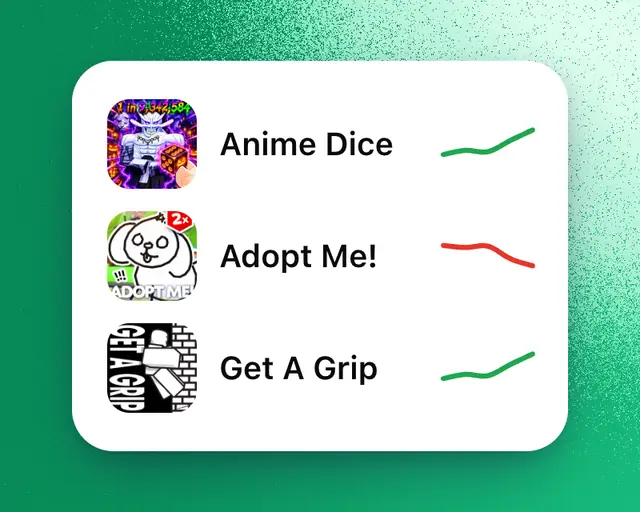
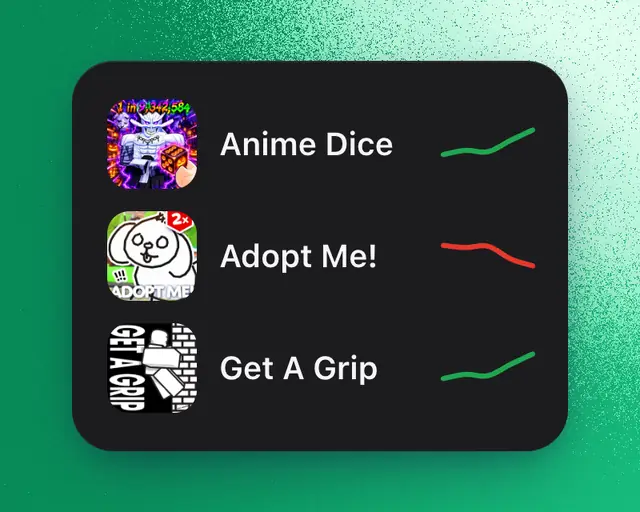
The Similar games tile in My Games lists games like yours in size and genre, with how their players moved against last week and what each one changed this week. You choose which games to follow.
Rival tracking works on every plan. Your plan decides how many rivals you track across all your games: 3 on Free, 10 on Plus, and unlimited on Pro and Studio. See How limits work.
What each game changed
The line under each game's name says the newest thing it changed this week:
- Updated, with the day, and how its players changed after the update against the same hours a week before.
- New icon or New thumbnail, with how its players changed the day after.
- Entered one of Roblox's charts, with the chart and the country or its place.
- No updates this week, when nothing changed.
Tap a game to open its page. The tile fills in after your games have been tracked for a week.
Choose your rivals
At first, each of your games is set against the games nearest its size in its genre, up to the number of rivals your plan tracks, starting with your biggest game. To pick your own:
- Open My Games.
- On the Similar games tile, tap Change rivals.
- If you have several games, pick one at the top.
- Tap a game to add it as a rival, and tap it again to remove it. To find any other game, type its name in Search games.
Each of your games can have up to 6 rivals. Your changes save as you tap.
If you already track as many rivals as your plan allows, tapping another game opens the plans, and the game is added once you move up. To stay on your plan, remove a rival first.
Your rivals also help explain moves in your own game: when one updates and your players go the other way, My Games says so. See When your game is unusually busy or quiet.
Tip: To hear when a similar game passes yours in players, or yours passes it, open your game's page, tap Manage, then Alerts, and turn on Rivals.