Players from ads and organic players
NewStudio
See how many of your players came from Roblox ads, and what your newest ads did.
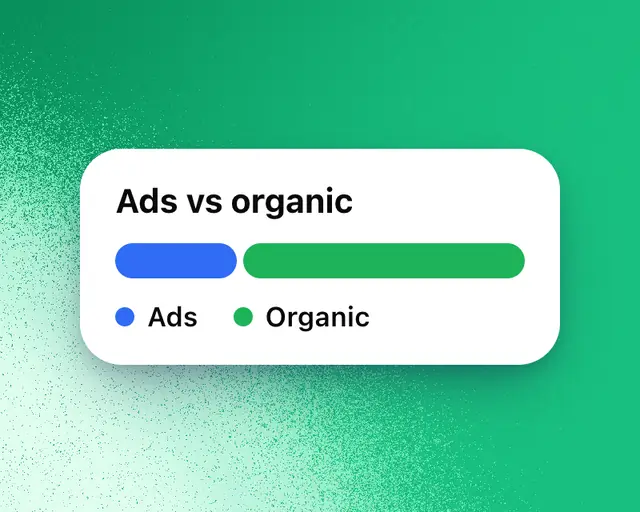
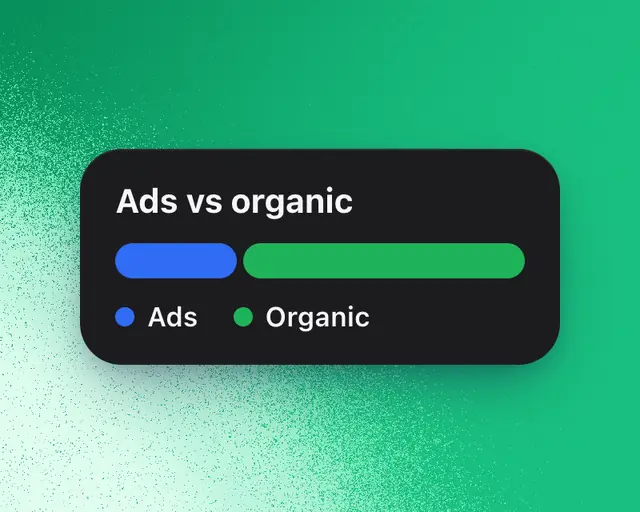
The Ads vs organic tile in My Games splits your players into two groups: those who came from Roblox ads (sponsored and search ads), and organic players, who found your game any other way. Use it to see what your ads brought in, and whether they cost you anything.
Studio: Ads vs organic is part of Studio. On other plans the tile shows as an example. Tap it to see Studio.
It uses Roblox's own numbers, so your games need to be connected: Connect your games. Roblox sends them a day or two late.
Add the tile
- Open My Games.
- Tap Add and add Ads vs organic. It's in the Discovery family.
Read it
- The number: the share of your players who came from ads over the time range at the top.
- The pills: what your newest ads did. The first is players a day while the ads ran, against the days just before. An amber pill appears only when something went wrong: visits got shorter while the ads ran (session length), or your organic players fell after them (organic).
- The chart: each day's players from ads, with organic players on top. The totals for each are above it.
Point at the pills, or tap them on a phone, to light up the days the ads ran on the chart. A card shows the numbers before and while they ran: Daily players, Session length, and Organic players when they moved.
No ads in this range
If your ads ran before the time range you picked, the tile says when they last ran, with a button to show a longer range, such as Show Last 3 months.
In Benchmarks too
Benchmarks has an Ads vs organic switch that shows Day 1 retention, Day 7 retention and play-through rate separately for each group. See Benchmarks.