Game health
New
See how each of your games is doing against last week, and which one needs a look first.
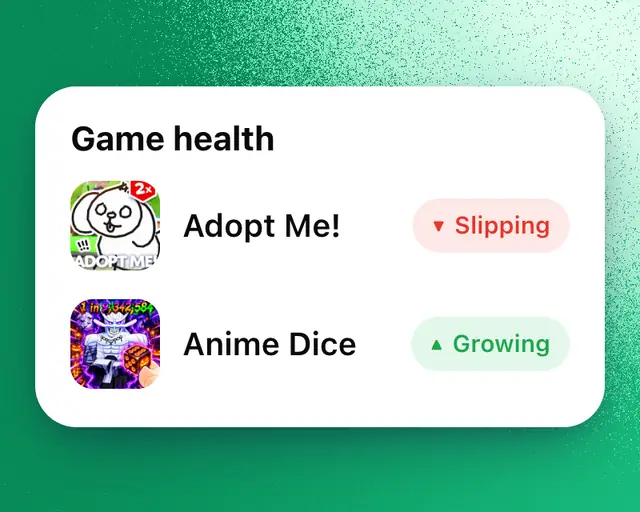
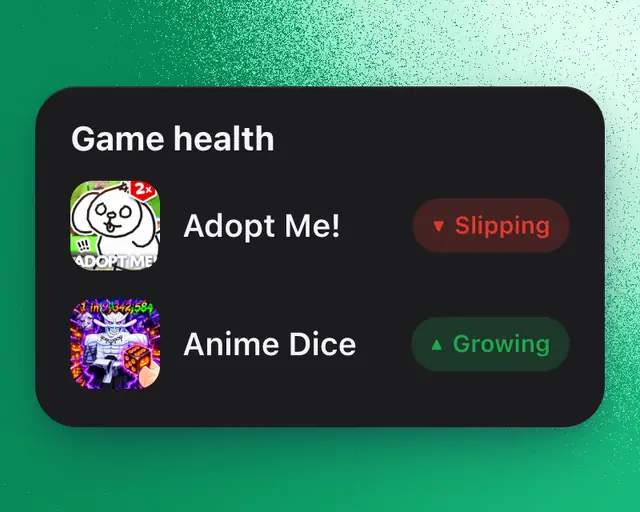
Game health is a tile in My Games that sums up each of your games in one word, with the reason for it. The game that most needs your attention is always at the top.
Read the tile
With several games, the tile starts with how many need a look, such as "2 of 6 need a look", or that they all look good. Under it, each game has its word and one reason, such as "Down 18% after its update" or "No update in 41 days". Tap a game to open its page. With more than four games, tap View all under the list to see every one.
With one game, the tile shows its word as the headline, the whole sentence under it, then the facts behind it: Playing now, Against last week, After the update and Last update.
What the words mean
Each word compares your game's players over the last 7 days with the 7 days before. A game tracked for less than two weeks is compared on its last day against the same day a week earlier.
| Word | What it means |
|---|---|
| Breaking out | Far more players than last week. |
| Growing | More players than last week. |
| Steady | About as many players as last week. |
| Slipping | Fewer players than last week. |
| Declining | Far fewer players than last week. |
| Spiking | In the last day, players at once went well past yesterday's peak. |
| New | Too new to compare with last week yet. |
| Quiet | No one is playing right now. |
An update in the last week that moved players by a tenth or more comes first. Its change compares players in the hours after the update with the same hours a week before.
When a game needs a look
A game needs a look when it's Slipping or Declining, when an update this week cost it players, or when it's Steady but hasn't had an update in 30 days or more.
Tip: Game health is on My Games when you start. If you removed it, tap Add and add it again. It's in the Health family.