Pick a time range
New
Switch My Games between the last hour, the last 6 hours, Today, a week, four weeks, three months and a year.
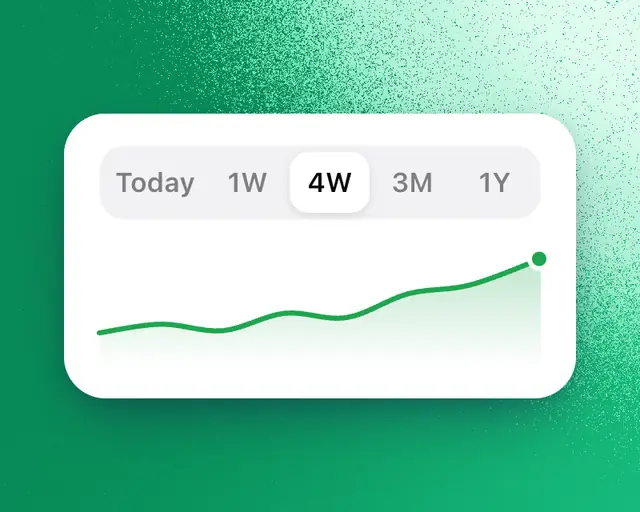
The time range at the top of My Games sets the stretch for the chart and every tile. Use 1H, 6H or Today to watch your games live, or a longer range to see how they did over weeks or months.
Change the range
- Open My Games.
- At the top, beside your games, tap 1H, 6H, Today, 1W, 4W, 3M or 1Y.
On a phone, the ranges are across the page under the top bar. My Games remembers the range you left it on, on this device.
| Range | What it shows |
|---|---|
| 1H | The last hour of players and visits, a reading every minute, with the same hour yesterday dotted behind. The tiles show the last 7 days. |
| 6H | The last 6 hours of players and visits, a reading every 3 minutes, with the same hours yesterday dotted behind. The tiles show the last 7 days. |
| Today | The chart from midnight, with players live and yesterday’s line dotted behind. The tiles show the last 7 days. |
| 1W | The last 7 days |
| 4W | The last 4 weeks |
| 3M | The last 3 months |
| 1Y | The last 12 months |
Over a range, the chart shows a day at a time, with the stretch before it dotted. Point at the chart to read one day.
Change the comparison
Each number shows its change against an earlier stretch. 1H, 6H and Today are always compared with yesterday. For a longer range:
- Under the chart’s number, tap the comparison. It starts as vs last period.
- Pick vs last period, vs last year or No comparison.
The chart and every tile use the same comparison. A change shows only when there are numbers for the earlier stretch.
Why a tile is empty
Roblox sends most owner numbers a day or two late, so the newest days can be empty. Some tiles need a longer range. Day 7 retention needs more than a week, and Day 30 retention more than four weeks. These tiles say so, with a button such as Show Last 4 weeks that switches the range for you.