Filter your numbers by where players came from
NewStudio
Pick Organic or From ads at the top of My Games, and every number Roblox splits that way follows it.
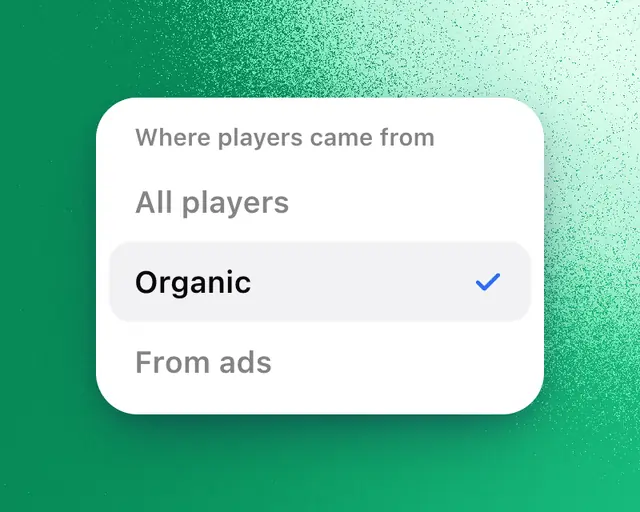
The Players filter at the top of My Games shows your numbers for one group of players: organic players, who found your games on their own, or players who came from Roblox ads (sponsored and search ads). Use it to see how your game does without the players you paid for.
Studio: The Players filter is part of Studio. On other plans, picking Organic or From ads opens Studio.
It uses Roblox's own numbers, so your games need to be connected: Connect your games.
Pick a group
- Open My Games.
- At the top, tap All players.
- Pick Organic or From ads.
To see everyone again, tap the × beside it, or pick All players. My Games remembers your pick on this device.
The filter is there when one of the games in view had players from ads lately. Without ads, organic players are everyone.
What follows it
Daily players, Day 1 retention, Day 7 retention, Play-through rate, Traffic sources and Benchmarks show only the group you picked.
Roblox doesn't split the other numbers by where players came from, such as Robux, playtime and payer conversion. Those tiles say All players at the top, and so does the chart.
A player counts by how they first found your game. Someone who came from an ad and comes back the next week still counts as from ads.
Why a day is empty
Day 1 and Day 7 retention for each group go back 30 days. Over 3M or 1Y, older days when your games had players from ads are empty. On days without ads, Organic shows everyone, because everyone was organic.
Tip: To see both groups side by side, add the Ads vs organic tile. See Players from ads and organic players.