When your game is unusually busy or quiet
New
My Games tells you when your game has far more or fewer players than usual for that hour.
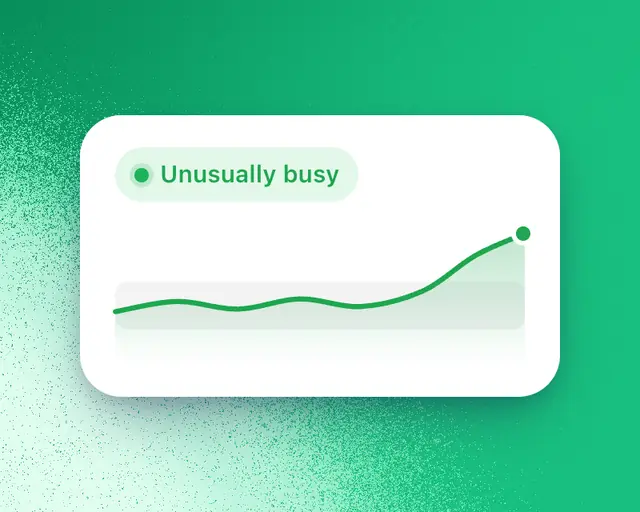
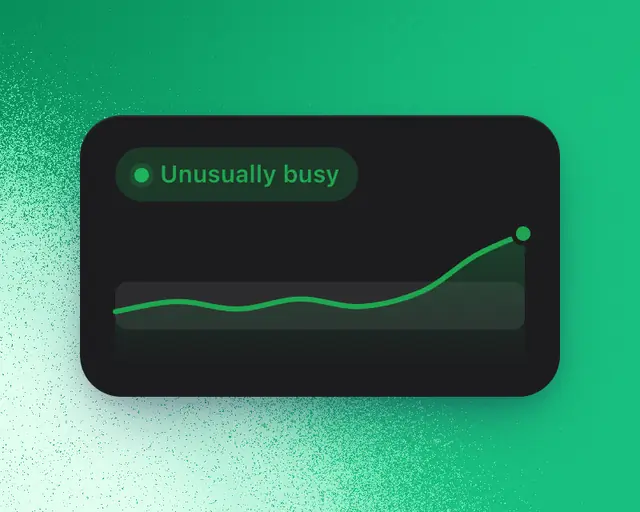
When one of your games has far more or far fewer players than usual for the time of day, My Games says so under its name, and tells you the likely reason when there is one.
Where you see it
- In My Games, under the game's name in the Games tile, and in the list of all your games you open from it.
- At the top of the Insights tab on the game's page.
The line reads like "Down 18% against usual". It compares players over the last two hours with the same two hours a week before. Most of the time there's no line: it appears only when the gap is much bigger than your game's normal swing from week to week. Games with very few players don't get one.
The likely reason
The line adds the likely reason after the move, such as "all of Roblox is down 9%". It only ever names something that happened:
| Reason | When it shows |
|---|---|
| All of Roblox | Players across all of Roblox moved the same way. |
| Your update | Your game updated, or its event started, just before the move. |
| A similar game | One of the games you track updated, and yours moved the other way. |
| Roblox's charts | Your game entered one of Roblox's charts and went up, or left one and went down. |
| Another game's event | One of Roblox's biggest events was on in another game while your players fell. |
When none of these is true, the line shows only the move.
Tap the line to open the game's chart with the reason on it: Roblox's line, the other game's line, or a mark where it happened.
Every plan sees the move and its reason on your own games, and they never count toward a limit. See How limits work.
The games you track are the ones in Keep track of the games around yours.