Share any number from My Games
New
Share a picture of any My Games tile, with or without your game’s name.
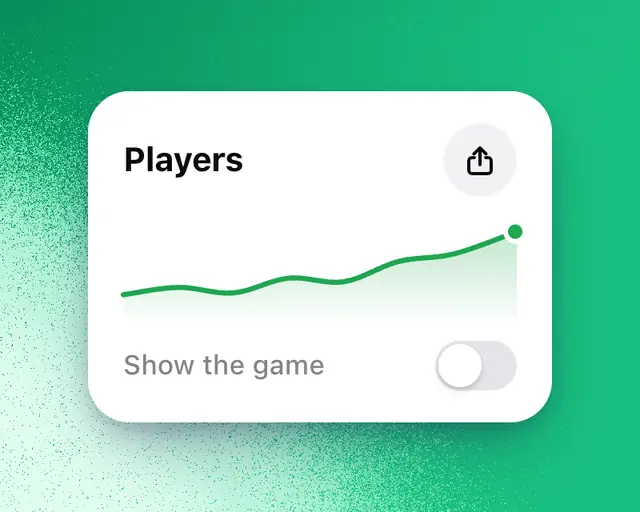
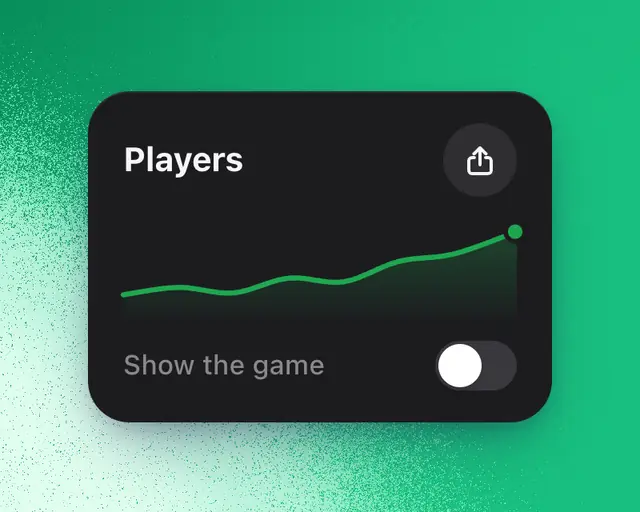
Any tile in My Games can be shared as a picture that looks like the tile. Your game's name stays hidden unless you choose to show it.
Share a tile
- Open My Games.
- Pick the time range at the top. The picture shows the tile as it is for that range.
- Tap the share button at the tile's top right. On a computer, it appears when you point at the tile.
- Pick a look under the picture.
- To show which game it is, turn on Show the game. With several games in view, it says Show the games.
- On a phone, tap Share. On a computer, tap Save image, or tap the X button to post it on X.
What the picture shows
The tile's name, its number and change, its chart and the RoTerminal mark. It leaves out axis numbers and dates, so it reads at a glance. The words that go with the post say the number and its change.
With the game hidden
With Show the game off, nothing names your game: not the picture, the words, the link or the file's name. The link goes to RoTerminal. With it on, the picture adds your game's icon and name, and the link opens the game's page.
Tiles you can't share
Game health, Icon and thumbnail changes and Benchmarks have no Share. Nor does a tile with nothing in it yet, an example, or one shared with you to view.
Tip: To let someone see all of a game's numbers, not only one tile, send them a link instead. See Share a game’s numbers with a link.