Your sales and today’s Robux
New
Watch today’s Robux add up, and see each pass, product and subscription that sold, newest first.
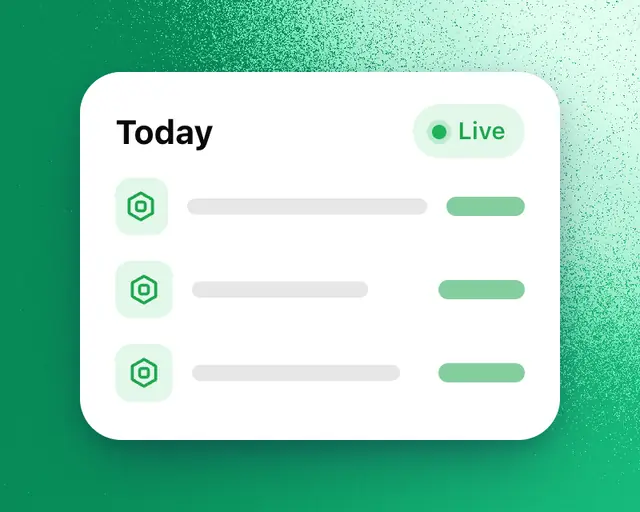
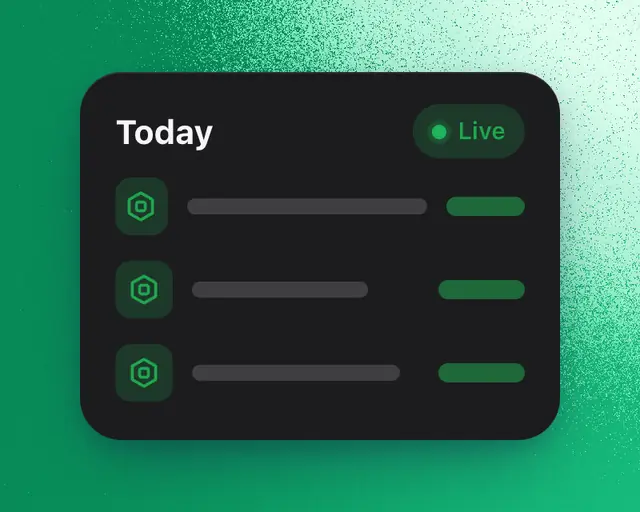
My Games shows the Robux your games have made today and what sold, as it comes in. These are Roblox's own numbers for your games, so you need to connect your games first: Connect your games.
Today's Robux
- Open My Games.
- Pick Today at the top.
- Pick Robux over the chart.
The chart draws today's Robux from midnight, with yesterday dotted behind it. The number is today's total so far, with its change against yesterday by the same time. Point at the line to read any hour.
Each sale
The Sales card is beside the chart on a computer, and after your tiles on a phone. It shows:
- Today's Robux so far, against yesterday by the same time.
- What sold, newest first: the item, whether it's a pass, a product or a subscription, the game, the hour and the Robux it made.
The card checks for new sales every minute. A new sale appears at the top and the total counts up to match.
When there are more sales than the card holds, tap All sales. It shows today's best sellers, then each hour's sales.
How fresh it is
Roblox reports sales once an hour, not one purchase at a time. So each row is what one item made in one hour, and a sale can take about an hour to appear. Before the first report of the day, the card says "No sales yet today".
Sales follows the games pill at the top: pick one game to see only its sales.
Tip: For a longer stretch, add the Top sellers and Robux tiles. They show what earned the most over the time range you pick.