Say what you do
New
Add your role, like Scripter or Builder, and say whether you’re hiring, open to work or open to collabs.
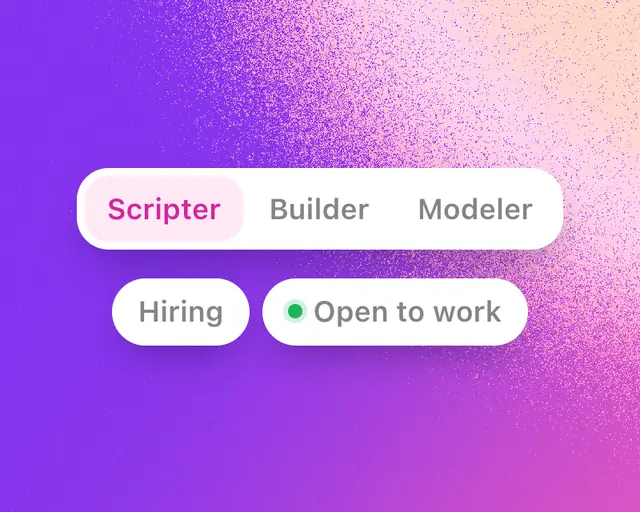
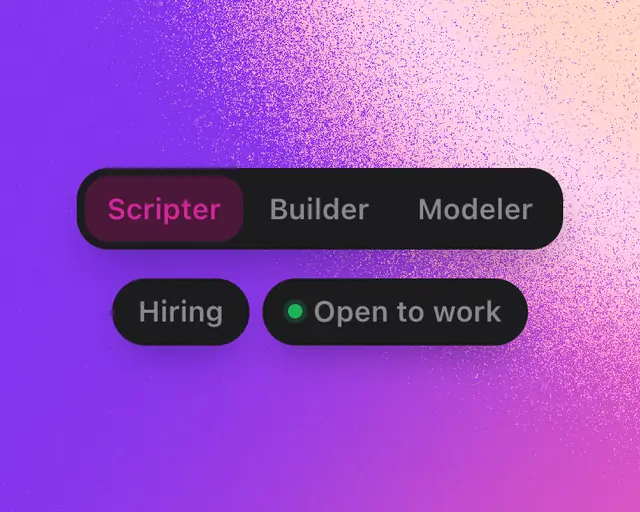
Your role tells people what you do on Roblox, like Scripter or UI Designer. Open to says whether you’re hiring, open to work or open to collabs. Both show on your profile under your bio, and people can find you by them on People.
Pick your role
- Open your profile (see Your profile).
- Tap Add category, or your role if you’ve picked one.
- Under What do you do on Roblox?, tap one. It saves and shows on your profile at once.
Suggested comes first, with roles that match your Roblox groups, the studio you run and the games you make. To take your role off, tap it and pick Remove category.
You can also change it in Edit profile, under Category.
The roles
| Group | Roles |
|---|---|
| Make games | Developer, Scripter, Builder, Modeler, Animator, UI Designer, VFX Artist, GFX Artist, Game Designer, Composer, UGC Creator |
| Business | Studio Owner, Producer, Publisher, Investor |
| Community | Community Manager, Content Creator, Trader, Player |
You can pick one role.
Say what you’re open to
- On your profile, tap Edit profile.
- Under Open to, tap Hiring, Open to work or Collabs. Pick as many as you like, and tap one again to turn it off.
Each saves as you tap. They show on your profile right after your role.
Get found
On People, tap Filters, then pick a Category or something under Open to. The list becomes everyone who picked it, the biggest developers first.
Search finds people by role too. Type “scripters” or “ui designer” to see the members who picked it.
Tip: Hiring for a project? Post a job in Marketplace so people can apply to you in Messages.