Share your place on a leaderboard
New
Share a picture of your place on Most played or Rising, with a link that opens the leaderboard at your row.
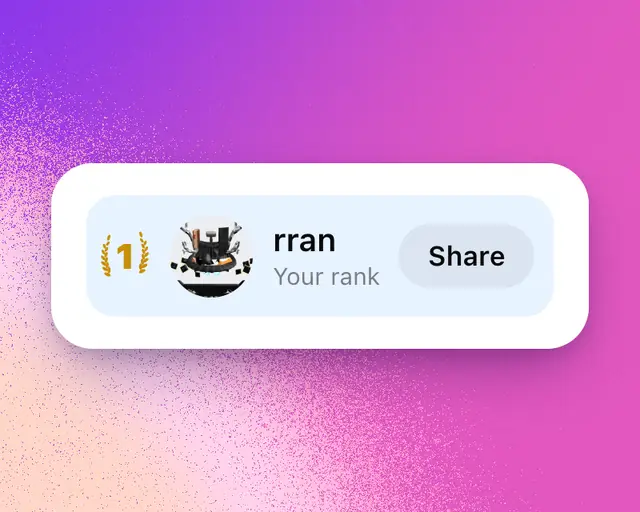
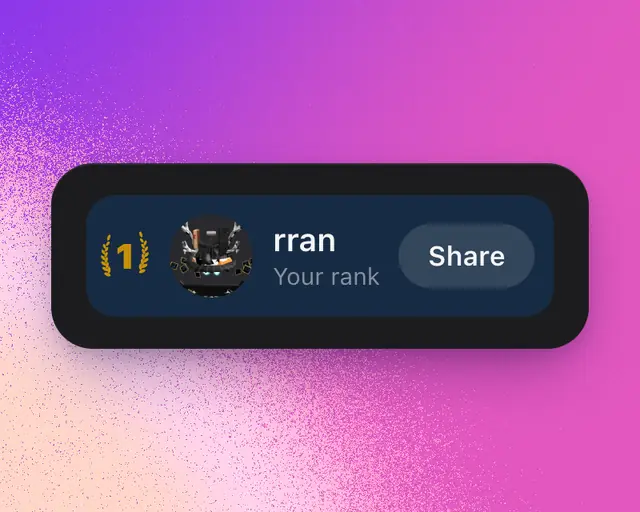
Your row at the top of People’s Most played and Rising is your place on that leaderboard. Share it as a picture to post, with a link that opens the leaderboard with your row lit up.
Share your place
- Tap People.
- Pick Most played or Rising.
- Tap your row at the top, or Share at its end.
- Pick a picture at the top of the sheet: Your rank, a tall picture for a post, or Wide, the one people see when you send the link.
- On a phone, tap Share. On a computer, tap Save image, or the X button to post it on X.
To send only the link, tap the copy link button beside the main button.
What the picture shows
- Your place, between laurels if you’re in the top three.
- How many people are playing your games, or how much they climbed on last week for Rising.
- The places just above and below yours.
Your link
Your link is roterminal.co/rank/ followed by your handle and the leaderboard. It opens the leaderboard with your row lit. Someone who joins RoTerminal from it counts as your invite (see Earn free months by inviting friends).
Every Monday
If you’re in the top 50 on Most played, Activity tells you your place each Monday morning. Tap the note to open the share sheet straight away.
Tip: No row at the top? Sign in first. If your row says Not ranked yet, tap Add your game so your games count.