Search for games, people and studios
Find any Roblox game, developer, studio or member by name, nickname, @handle or Roblox link.
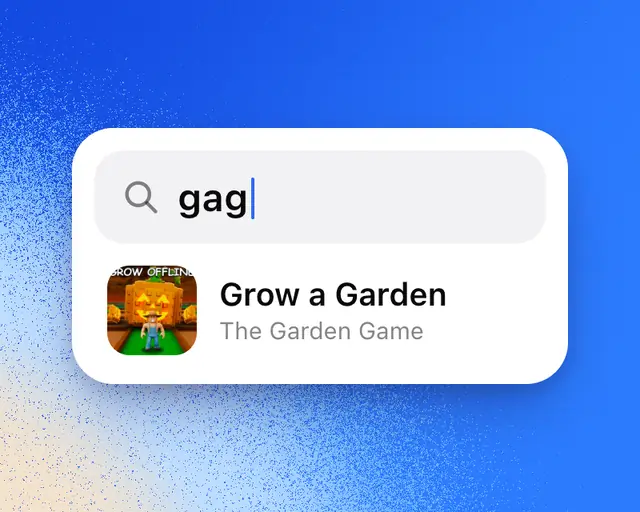
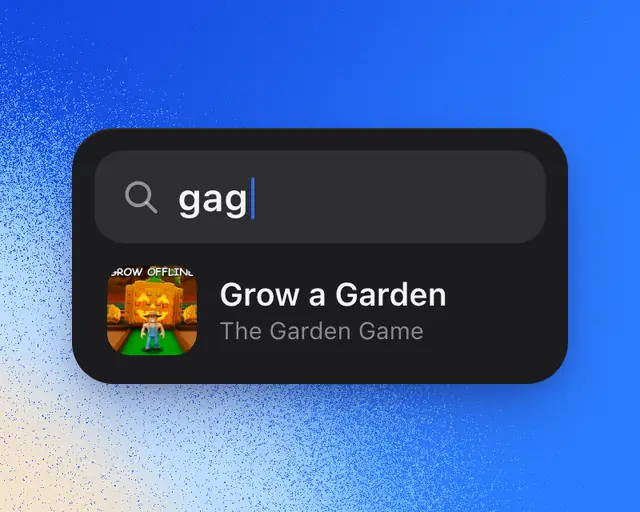
Search finds any game on Roblox, the studios and developers behind them, members of RoTerminal, genres, trends and pages on the site. Results appear as you type, with the biggest matches first.
Open search
- On a computer, press ⌘K (Ctrl+K on Windows) or /, or select Search at the top of the sidebar.
- On a phone, tap the search button at the top of the Terminal.
Before you type, search shows the games you opened lately and the most played games.
What you can type
| Type | What you get |
|---|---|
| A game’s name, or part of it | The game. A small spelling mistake still finds it. |
| What players call it | gag finds Grow a Garden, mm2 finds Murder Mystery 2 and dti finds Dress to Impress. A name typed without spaces works too: dobig finds Do Big. |
| @ and a name | People only: members, developers and anyone on Roblox. |
| A Roblox link or number | Paste a link to a game, a person or a community on Roblox, or its number, and it comes up first. |
| A genre or a word in game names | Its page, with the games in it. |
| A question | Ask RoTerminal, as the first result. See Ask RoTerminal. |
New games
Search looks through every game on Roblox, not only the ones on the Terminal’s lists, so you can find a game the day it comes out. A game out in the last day says New today, and one out in the last week says New this week.
When nothing matches
If nothing has that name, select Ask us for it to tell us what you were looking for.
On a computer, use the arrow keys to move through the results and Enter to open one. Esc closes search.