Icon and thumbnail changes
New
See every time a game changed its icon or thumbnails, and what players did the day after.
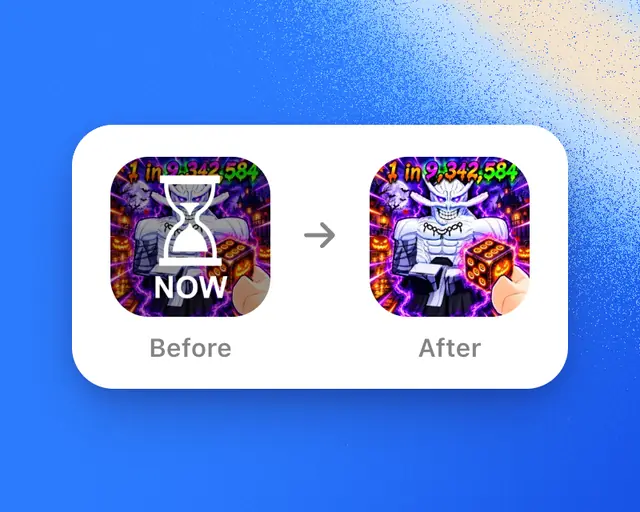
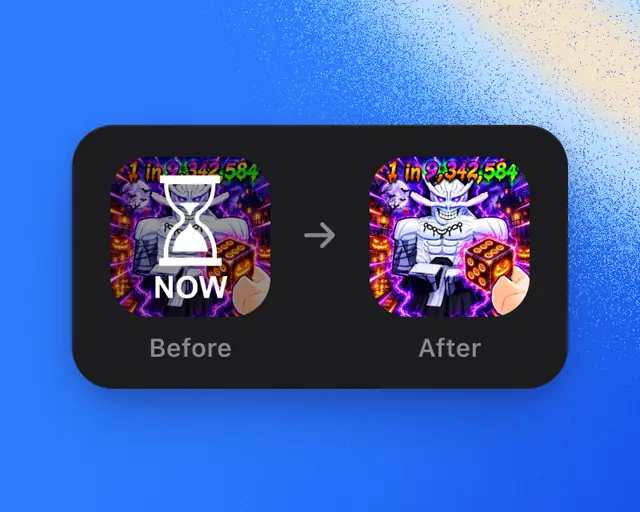
Changes, near the end of a game’s Overview, lists every time the game changed its icon or its thumbnails, newest first. Use it to see which changes brought more players.
Read a change
Each row shows:
- What changed: New icon, New thumbnail, or Added a thumbnail.
- The picture before and after. Tap them to swap their places.
- Day after: players in the day after the change, against the same hours a week before. While the day isn’t over, it shows the first hours so far. A change less than 3 hours old says Not measured yet.
The first five changes show (three on a phone). Tap Show more for the rest.
Turn on Events, the calendar button at the top right of the chart, and each change is also a pin on the game’s chart. Tap the pin to open the change.
Pictures that switch back and forth
Some games keep switching between a few pictures, for a test or for icons that change with an event. These show as one row, such as “Switching between 3 icons”, with the one players see now marked Showing now. Once it stops, the row says Switched and marks the one it Kept. These rows have no Day after, because nobody can tell which picture moved players.
Who can see what
| Game | What you see |
|---|---|
| Your own games | Every change |
| Any other game | The newest change on Free, and every change on Plus, Pro and Studio |
Plus: On Free, the older changes on other games are hidden under a lock. Tap it to see Plus.
We started keeping icon and thumbnail changes in October 2026, so changes before then aren’t shown.