Get an alert when a game breaks out
New
A notification when a game’s players start growing fast, with how much it grew in a day.
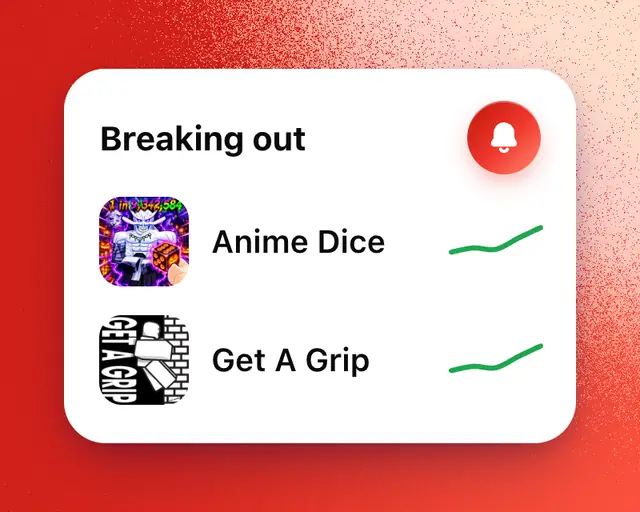
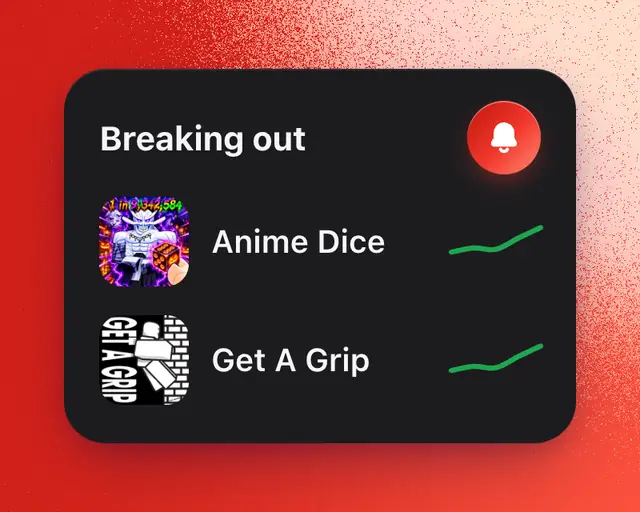
A breakout alert tells you when a game’s players grow fast within a day, so you can look at it while it’s happening. It comes to Activity, and to your phone or computer if notifications are on. Breakout alerts work on every plan, Free included.
Turn on breakout alerts
- Open Terminal.
- Find the Breaking out card. It lists the games breaking out right now.
- Tap the bell next to the card’s title. If you’re signed out, RoTerminal asks you to sign in first.
The bell fills in when alerts are on. You can also switch on Breakouts, under All of Roblox, in your notification settings.
What an alert says
Each alert names the game, says it’s breaking out, and shows how many times its players grew in a day, from how many to how many playing. Tap it to open the game’s page.
On every plan, you get at most 3 breakout alerts a day, and never the same game twice in a week. On Pro and Studio, if you’ve connected Discord, they post there too. See Send your alerts to a Discord channel.
Turn them off
Tap the bell on the Breaking out card again, or switch off Breakouts in your notification settings.