Build with the RoTerminal API
New
What the API, the SDKs and the command line are, and where to find the docs for each.
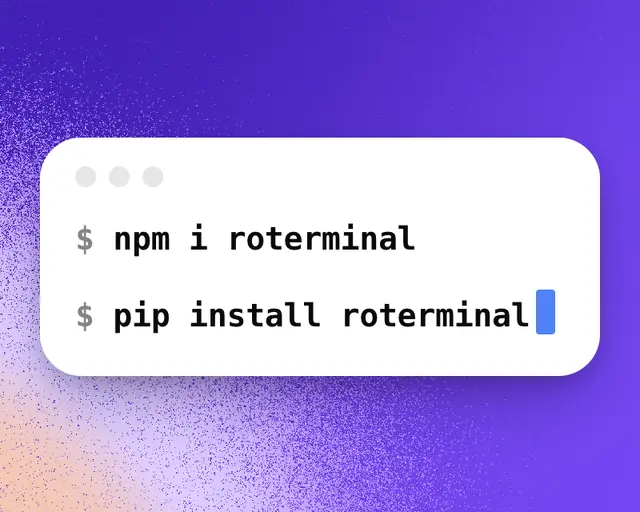
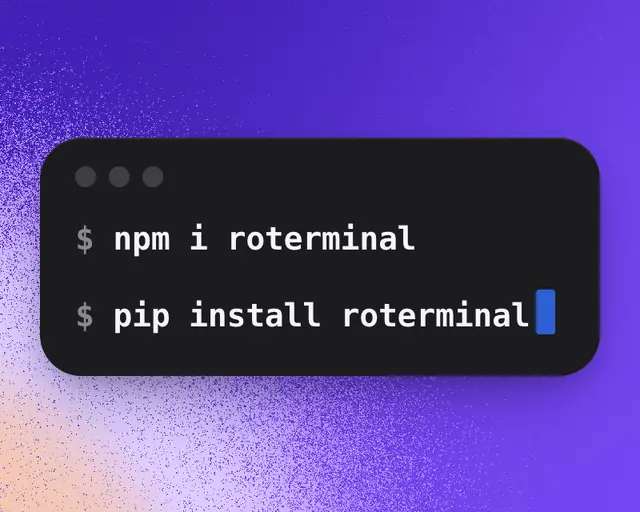
The RoTerminal API gives your own code the same numbers as the site: players right now, each game’s day-by-day history since September 27, 2026, every update and how players moved after it, the games rising fastest, trends, Roblox’s charts in 60 countries and the developers behind each game. Everything is in the docs.
For a game’s places on Roblox’s charts, like Japan’s Up-and-Coming, see List a game’s places on the charts. For one country’s chart, put the country in front of the chart: roterminal.co/api/v1/charts/jp-up-and-coming.
What there is
| Tool | What it is |
|---|---|
| API | JSON over HTTPS at roterminal.co/api/v1. See the API reference. |
| JavaScript SDK | npm install roterminal, for Node 18 and up, Deno, Bun and edge runtimes. See SDKs. |
| Python SDK | pip install roterminal, for Python 3.9 and up. See SDKs. |
| Command line | npx roterminal puts every number in your terminal. See CLI. |
| Connector | RoTerminal in Claude, ChatGPT, Cursor and Codex. See Use RoTerminal in Claude, ChatGPT and Cursor. |
Get started
- Create an API key. You can try the API without one, with 50 calls a day.
- Follow the Quickstart to make your first request.
- Check Rate limits for the calls and game histories each plan gets a day.
Build a dashboard shows how to make a live page for your own games, and Status shows whether the API is working.
Using the data
Every answer includes a link to the same numbers on roterminal.co. When you show RoTerminal’s numbers in public, link to that page. Don’t resell or share the data in bulk, or use it to build a copy of RoTerminal. The full rules are in the Terms.