Create an API key
New
Make a key in Settings → Developer to call the RoTerminal API from your own code.
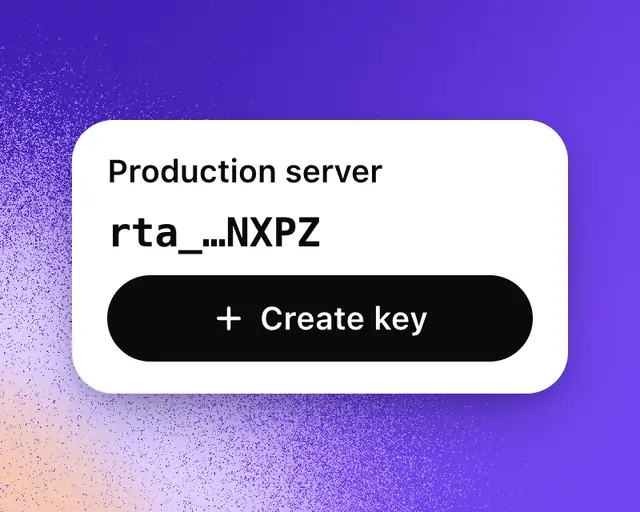
An API key lets your own code call the RoTerminal API, using your account’s calls a day. Keys are free, and you can have up to 20.
Create a key
- Open Settings, then Developer.
- Next to Create an API key, select Create.
- Name the key after where you’ll use it, like “My server”, then select Create key.
- Select Copy, then Done. The key starts with rta_ and is shown only this once.
Keep the key in an environment variable on your server, never in code that runs in someone’s browser or app. Send it in each request’s Authorization header as a bearer token. The Quickstart walks you through your first request.
Your keys and calls
Developer lists every key on your account, with its last four characters and when it was last used. Keys that the command line and connected AI apps made for you are listed there too.
Usage shows today’s calls against your plan’s, and your calls on each of the last 30 days. Calls reset at midnight New York time.
| Plan | Calls a day |
|---|---|
| Free | 200 |
| Plus | 500 |
| Pro | 2,000 |
| Studio | 5,000 for each seat |
Delete a key
Select Delete beside the key, then Delete again to confirm. Anything using it stops working at once. If a key gets out, delete it and create a new one.