Find answers in the Help Center
New
Every part of RoTerminal explained step by step, with search, pictures and a way to ask.
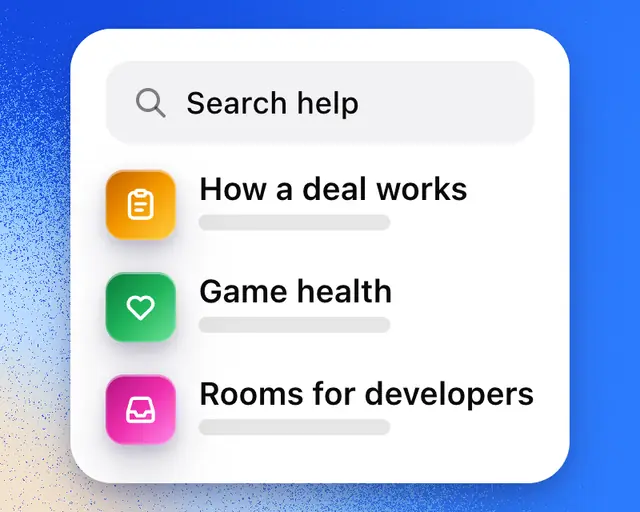
The Help Center explains how every part of RoTerminal works, one article for each thing you can do. Each article shows the steps with the buttons you'll tap.
Open it
- On a computer, select Help in the sidebar, under Activity.
- On a phone, open Settings from your profile and tap Help.
- Or go to roterminal.co/help.
Every page of the Help Center has Help, Docs and Status at the top. Tap Help to come back to its start from any article, or Docs for the developer docs: the API, the CLI and AI agents.
Find an answer
Type what you want to do in the box at the top, like "cancel my plan" or "connect my games". The articles that answer it appear as you type. Press Return to open the first one.
Each topic, like My Games or Marketplace, has its own page with a search box for just its articles, grouped by what you're trying to do.
You can also search from anywhere on RoTerminal. Press ⌘K, or tap Search, and type your question. Help articles show after any games and people that match.
Tip: Ask RoTerminal answers "how do I" questions from these articles, with a link to the one it used. See Ask RoTerminal.
In an article
- Open takes you straight to the screen the article is about.
- On this page lists the article's sections, on a computer.
- Was this helpful? tells us whether it answered your question. Tap No to say what was missing.
New features get their article the day they come out. In What's new, tap How it works under any feature to read its article.
Still need help
At the bottom of the Help Center, select Message us to write to us in Messages.